Openers · Richmond Hill
Smart Garage Controller Setup
Your daughter gets home from school an hour before anyone else.
In plain words
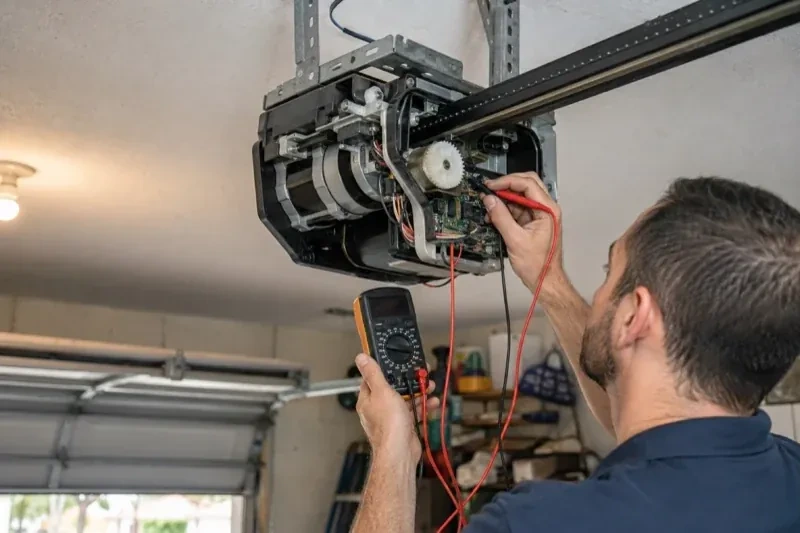
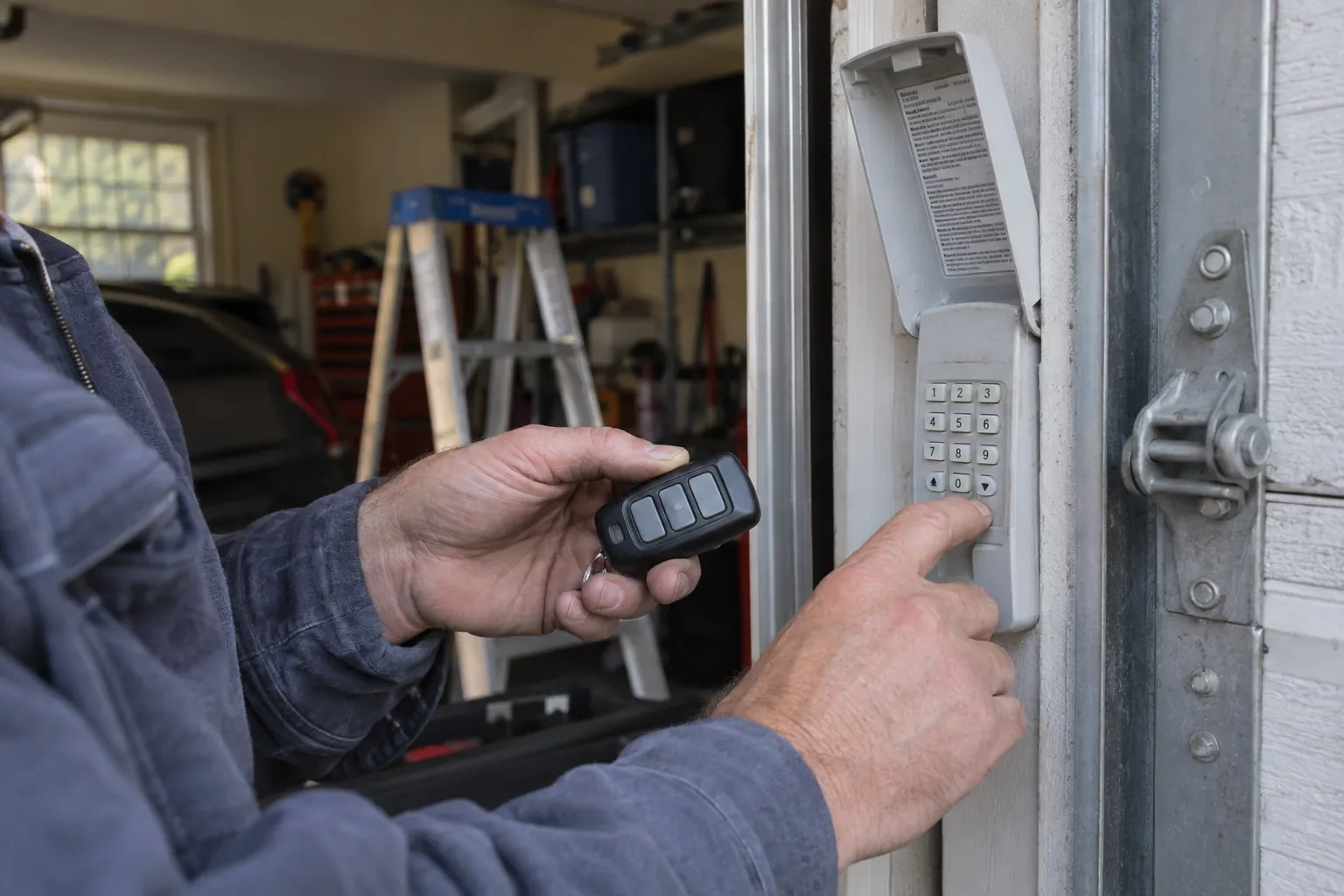
Everything about this service starts with the label on your opener. Brand, model number and year of manufacture decide whether a hub can be wired to the same terminals your wall button uses, whether it must instead pair by radio the way a new remote does, or whether the opener already has connectivity waiting to be activated. On many openers the colour of the learn button is the shortcut to that answer, because it marks the generation of radio coding the unit speaks. The technician reads all of this before choosing hardware, so the controller that goes up is one the maker lists as supported for that exact opener.
How the visit goesIt is February. You come down in the morning and the garage door has stood open all night; the car is frosted inside, the furnace has run without a pause, and the pipe in the shared wall is your first worry. Nobody knew, because nothing told anyone.
Smart Garage Controller Setup
How the visit goes
Signal strength at the ceiling
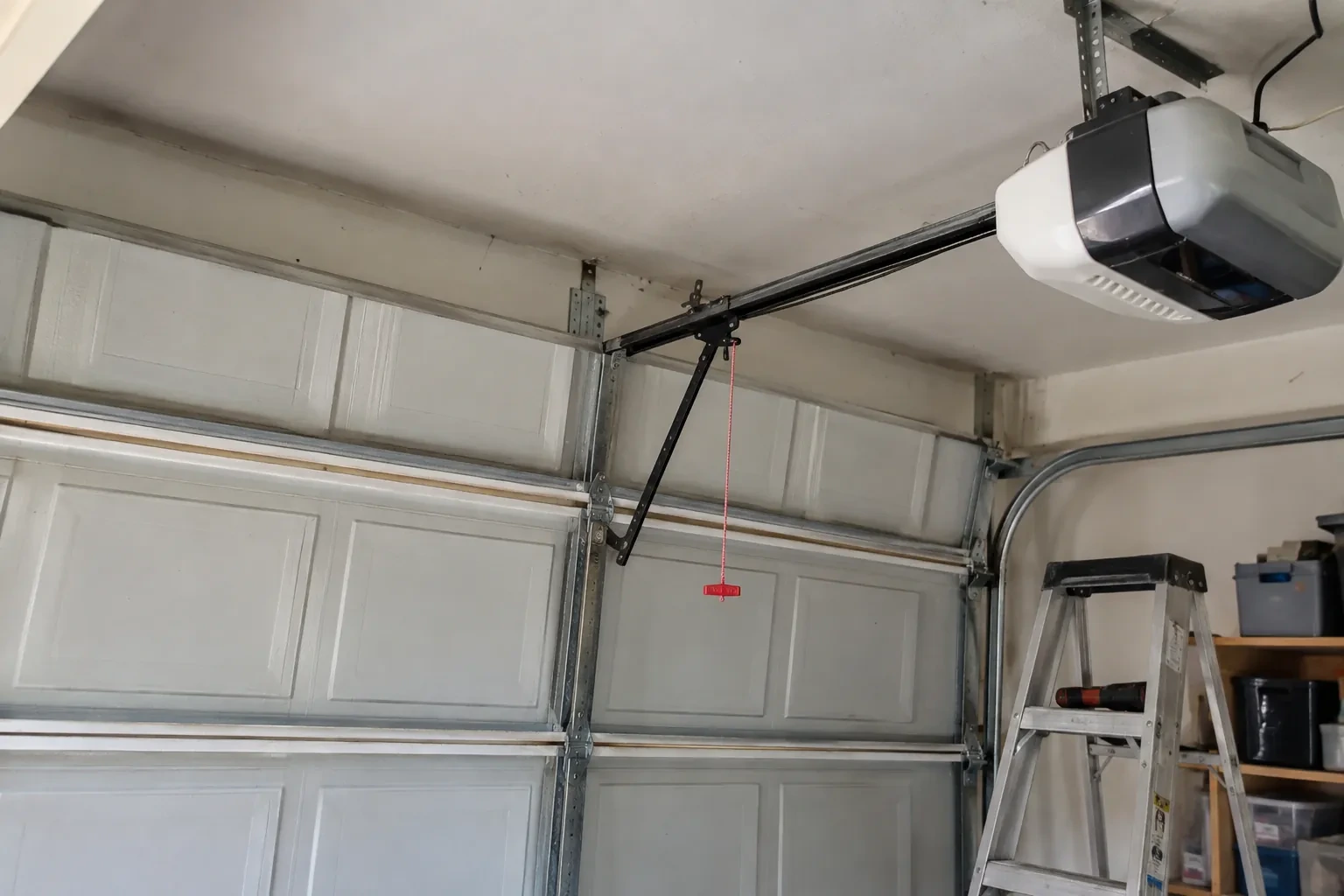
The hub will live beside the motor, so that is where wireless coverage is measured, not at the kitchen counter. The technician checks signal on the 2.4 GHz band, which most controllers use for its range, and notes how many walls, a floor and possibly an insulated steel door stand between the router and the garage. A detached garage across a driveway, a router tucked in a basement corner, or metal cladding on the garage wall all show up in this reading. Where the signal is marginal the plan includes a small access point or extender placed partway, because a hub that drops offline each week is not a working installation.
Pre-motion warning and the safety tests
Before handover the technician steps outside, out of sight of the door, and sends a close command from the app. The hub's beeper sounds and its light flashes for several seconds before the door moves, exactly as the operator standard requires for a command from someone who cannot see the doorway. Then the door is closed onto a length of 2x4 laid flat on the floor and must reverse on contact, and while closing again the photo-eye beam is broken and the door must stop and rise. Every existing control is tried too: wall console, each remote, the outside keypad. A door that passes all of this is ready to hand over.
When the internet is down
A dropped connection changes less than you might fear. Your wall console, remotes and keypad talk directly to the opener and keep working through any outage. What pauses is the phone side: status updates, alerts and commands from outside the house wait until the hub reconnects, which it does on its own once the router is back. If you change routers or rename your network, the hub needs to be walked through the join process again, using the same steps you watched during setup. The door itself, and the safety features on it, never depend on the cloud.
Smart Garage Controller Setup
In the van
Receptacle splitter with approval mark
Plug-in power adapter
Low-voltage bell wire
Lithium coin cell or cylindrical cells
Retrofit smart hub
Smart Garage Controller Setup
What affects the quote
Power for the hub
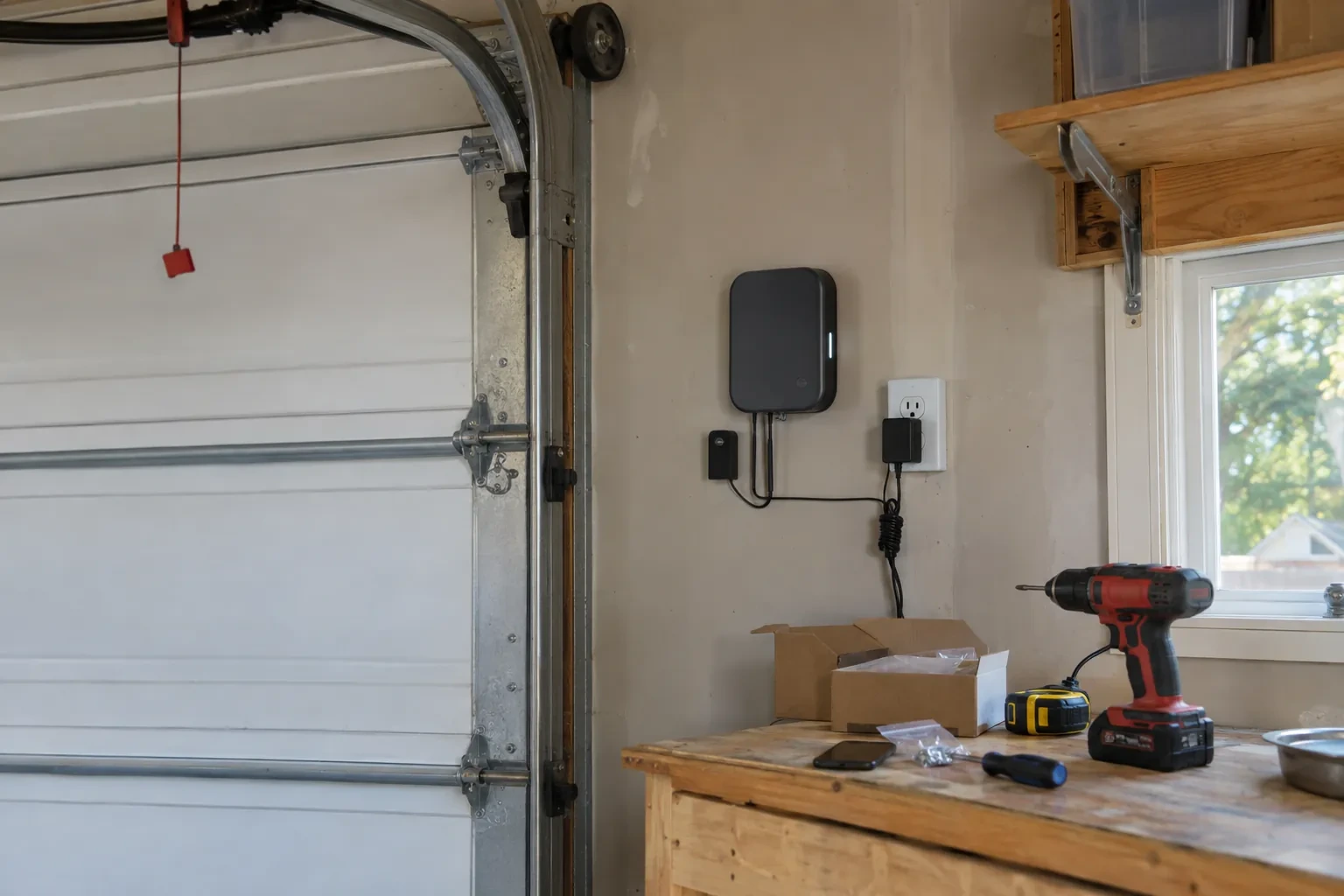
The hub plugs into the opener's ceiling receptacle. If there is no spare socket, an approved splitter or a receptacle added by an electrical contractor becomes part of the plan.
Door and opener condition
A heavy, binding or badly balanced door is corrected before a controller is added. That door-side work, from rollers to spring adjustment, is quoted on its own.
Number of doors
A second door means a second sensor, a second round of pairing and testing and sometimes a second hub, and each door is quoted as its own line.
What to have ready
- Which email address should the account be created under?
- Is there a spare socket in the ceiling receptacle the opener uses?
- Is there a wireless or network symbol printed on the head unit?
Smart Garage Controller Setup: questions
QuestionsCan other people in my household use it?
Yes. The owner's account invites each family member as a user with their own login on their own phone. Each person's opens and closes appear in the history under their name, and the owner can adjust or remove any user at any time. Sharing one login is discouraged because it muddles the history and makes it harder to remove access for one person later.
My opener already has a wireless symbol on it. Do I still need a hub?
Probably not. An opener with a built-in radio needs only to be put into pairing mode, joined to your network and registered to your account; it reports door position from its own travel sensing, so no separate sensor is required either. The visit becomes configuration and testing rather than installation. The technician also checks that the unit has not been left tied to a previous owner and that its firmware is current.
The previous owner's controller is still on the ceiling. Can I use it?
Usually, once it is released from their account. If the seller can be reached, they remove the device from their app; if not, the technician performs a factory reset using the maker's documented steps, which clears the old registration. The hub and sensor are then paired fresh, joined to your network and claimed under your own login, and the battery and sensor placement are checked rather than assumed.